Key takeaways: what is a PDA?
PDA stands for Personal Digital Assistant, a term Apple CEO John Sculley used in 1992 to introduce the Newton handheld computer. Consumer PDAs were replaced by smartphones and tablets in the early 2010s, but the term lived on in business, where it now mostly means an industrial handheld terminal with a built-in barcode scanner (also called a mobile computer or inventory scanner). What sets it apart from a phone is a dedicated scan engine and physical scan keys, a dustproof, water-resistant and drop-resistant housing, and accessories built for full-shift work such as charging cradles and pistol grips. When choosing one, consider your workflow, the barcode types you need to read, connectivity, the operating environment, battery life, OS support lifespan, and whether it can connect to your existing ERP or warehouse management system.
Where does the term PDA come from?
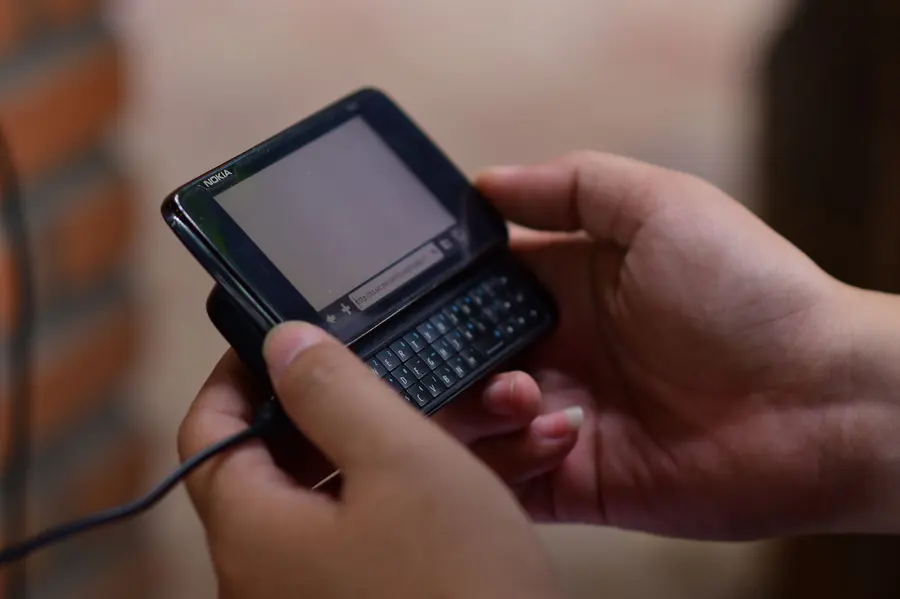
PDA stands for Personal Digital Assistant. Apple CEO John Sculley used the term to introduce the Newton handheld computer at the Consumer Electronics Show in the US on January 7, 1992. Brands such as Palm later made PDAs popular for managing calendars, contacts and notes (Wikipedia).
In the early 2010s, as smartphones and tablets became widespread, consumer PDAs all but disappeared. Businesses and government agencies, however, kept using rugged PDAs for parcel delivery, warehouse and supply chain management, medical records and parking enforcement. That's why, in Taiwan's warehousing, logistics and manufacturing sectors, “PDA” is still a common name for handheld terminals.
How do industrial PDAs differ from smartphones?
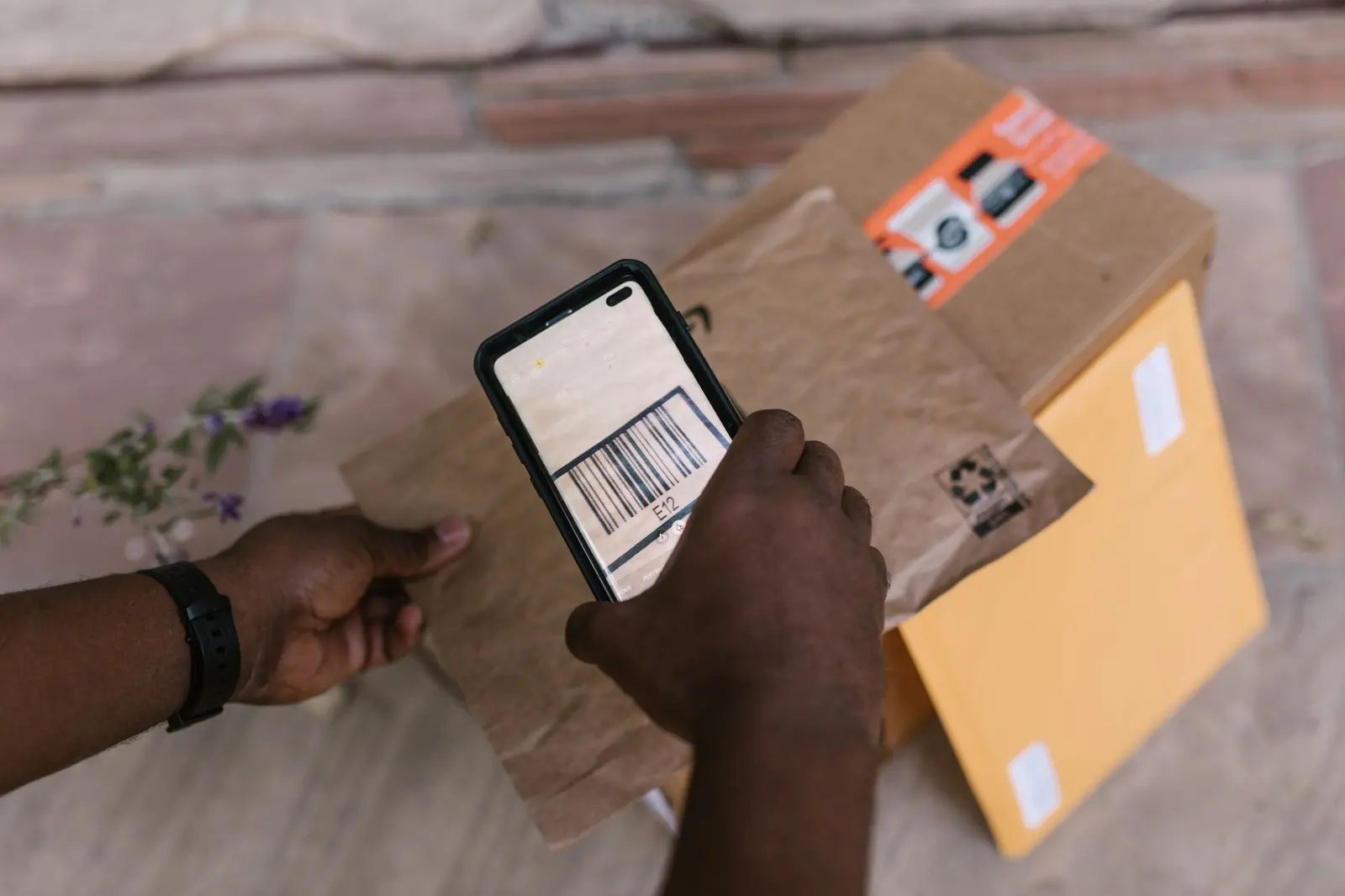
A phone with a scanning app can read barcodes, and that's fine for the occasional scan. But when you're scanning hundreds or thousands of items a day in a warehouse or on a production line, the differences show:
| Comparison | Smartphone + scanning app | Industrial PDA |
|---|---|---|
| Scanning | Opens the camera, focuses and decodes one scan at a time | Dedicated scan engine and physical scan keys read on press for fast, reliable continuous scanning |
| Durability | Vulnerable to drops, water and dust | Dustproof, water-resistant housing and drop-resistant design suited to warehouses and production lines |
| Full-shift work | Battery and charging designed for personal use | Charging cradles, multi-slot chargers, pistol grips and wrist straps to support shift work |
| Management | Employees' personal phones make data and apps hard to manage centrally | Issued and configured centrally by the company, with only work apps installed |
| Expansion | Depends on the phone model | Optional industrial accessories such as UHF RFID sleds |
Don't just compare unit prices. Slightly slower scanning, a unit broken in a drop, or a battery that dies before the shift ends all turn into labor hours and downtime over a full shift.
What do IP65 and IP54 mean?
Industrial PDA spec sheets often list IP65 or IP54. These are ingress protection ratings defined by the international standard IEC 60529: the first digit indicates protection against dust and the second against water (Wikipedia: IP code).
| Figure | Meaning |
|---|---|
| First digit 5 | Dust-protected: some dust may enter but not enough to interfere with safe operation |
| First digit 6 | Dust-tight: no dust can enter |
| Second digit 4 | Splash-resistant: water splashed from any direction causes no harm |
| Second digit 5 | Water-jet resistant: water projected by a nozzle from any direction causes no harm |
| Second digit 7 | Temporary immersion: submersion in water 1 m deep for 30 minutes |
So IP65 means dust-tight and water-jet resistant, suited to dusty environments or devices that need wiping down; IP54 means dust-protected and splash-resistant, usually enough for typical warehouses and retail stores. Drop height is a separate spec to check.
6 things to check when choosing a PDA for a factory or warehouse
Workflow
For fixed workflows (stocktaking, receiving) that only need scanning and keypad entry, a dedicated keypad model is simple to operate. If you need touch, photos, real-time lookups or your own app, choose an Android model.
Barcodes to read
If you only have 1D barcodes, a laser scanner is enough. For 2D codes such as QR Code or Data Matrix, choose a 2D scan engine. See “How to Choose a 1D or 2D Barcode Scanner” for the differences.
Connectivity
For real-time uploads to your system, choose a Wi-Fi model and confirm Wi-Fi coverage across the warehouse; batch work can also be uploaded back at the charging cradle.
Environment
Check the IP rating and drop height; confirm specs carefully for cold storage, outdoor or dusty sites.
Battery and accessories
For full-shift use, check battery capacity, spare batteries and multi-slot chargers; add a pistol grip for high scan volumes.
System integration and support lifespan
Confirm it can connect to your existing ERP, MES or warehouse management system, and check how long the model will be supplied and its OS supported, so it isn't discontinued soon after rollout.
Where you need to read many tags at once without aiming at each one, add an optional UHF RFID sled; see “What Is an RFID Tag?” for how it works. For the actual stocktaking workflow, see “How to Use an Inventory Scanner”; for model specs, see the Handheld Terminal PDA product page.
FAQ
What does PDA stand for?
PDA stands for Personal Digital Assistant. Apple CEO John Sculley used the term in 1992 to introduce the Newton handheld computer.
Is a PDA the same as a handheld terminal?
In warehousing, logistics and manufacturing, PDA usually means a handheld terminal (mobile computer), a handheld computer with a built-in barcode scanner. Keypad models designed for stocktaking and receiving are also often called inventory scanners.
Why buy a PDA when a phone can scan barcodes?
A phone is fine for occasional scans. For high daily scan volumes, an industrial PDA's dedicated scan engine reads faster and more reliably, its housing resists dust, water and drops, it has shift-ready accessories like cradles and grips, and the company manages it centrally, saving labor hours and repair costs over time.
What's the difference between IP65 and IP54?
Under IEC 60529, IP65 is dust-tight (no dust can enter) and water-jet resistant; IP54 is dust-protected (some dust may enter without affecting operation) and splash-resistant. Choose IP65 for dusty environments or devices that are wiped down often; IP54 is usually enough for typical warehouses and retail stores.
Can a PDA read RFID?
It depends on the model. Some Android industrial PDAs accept a UHF RFID sled that reads multiple RFID tags at once. The built-in NFC on phones or PDAs only reads short-range HF tags and cannot read UHF tags.